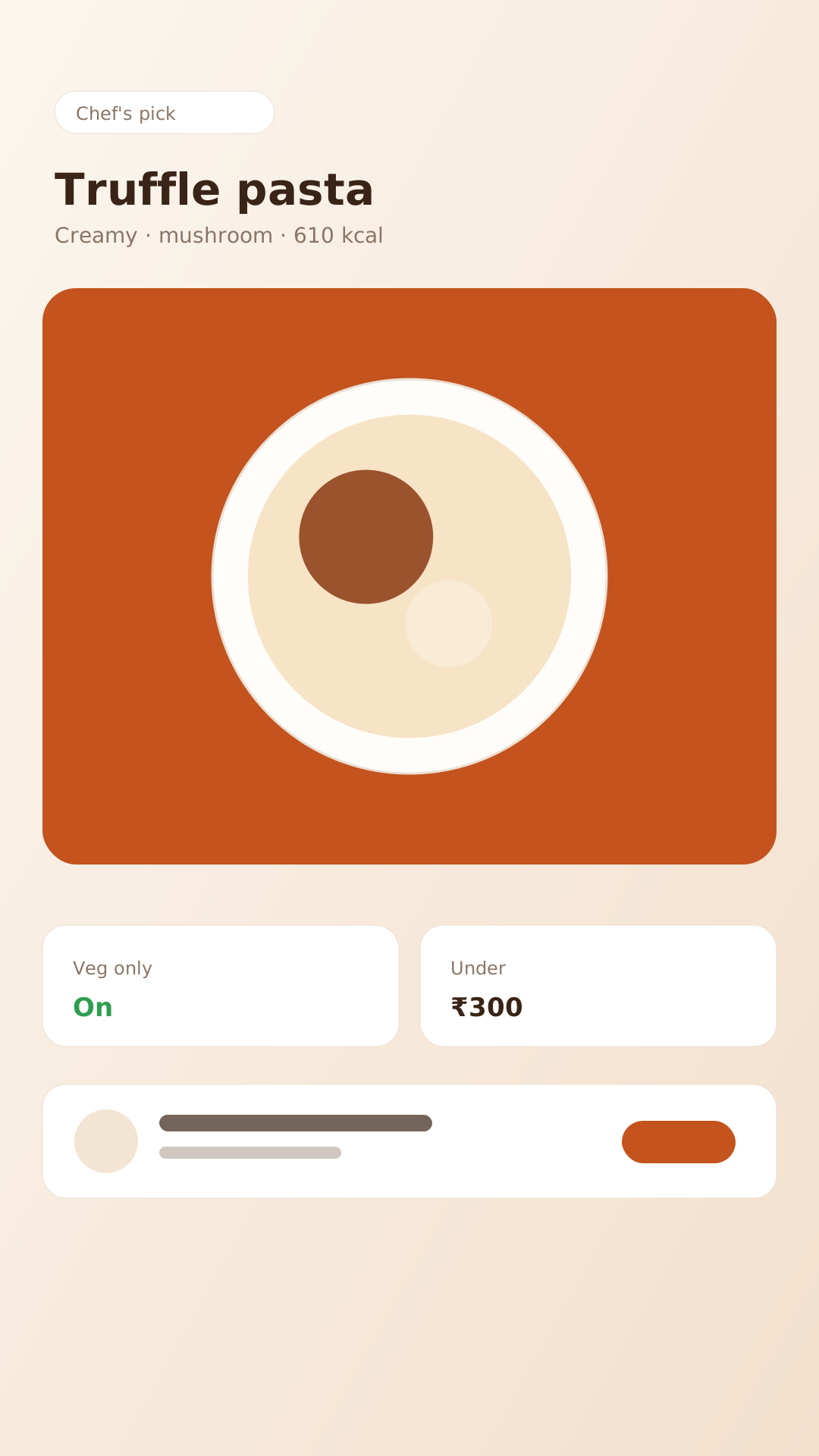


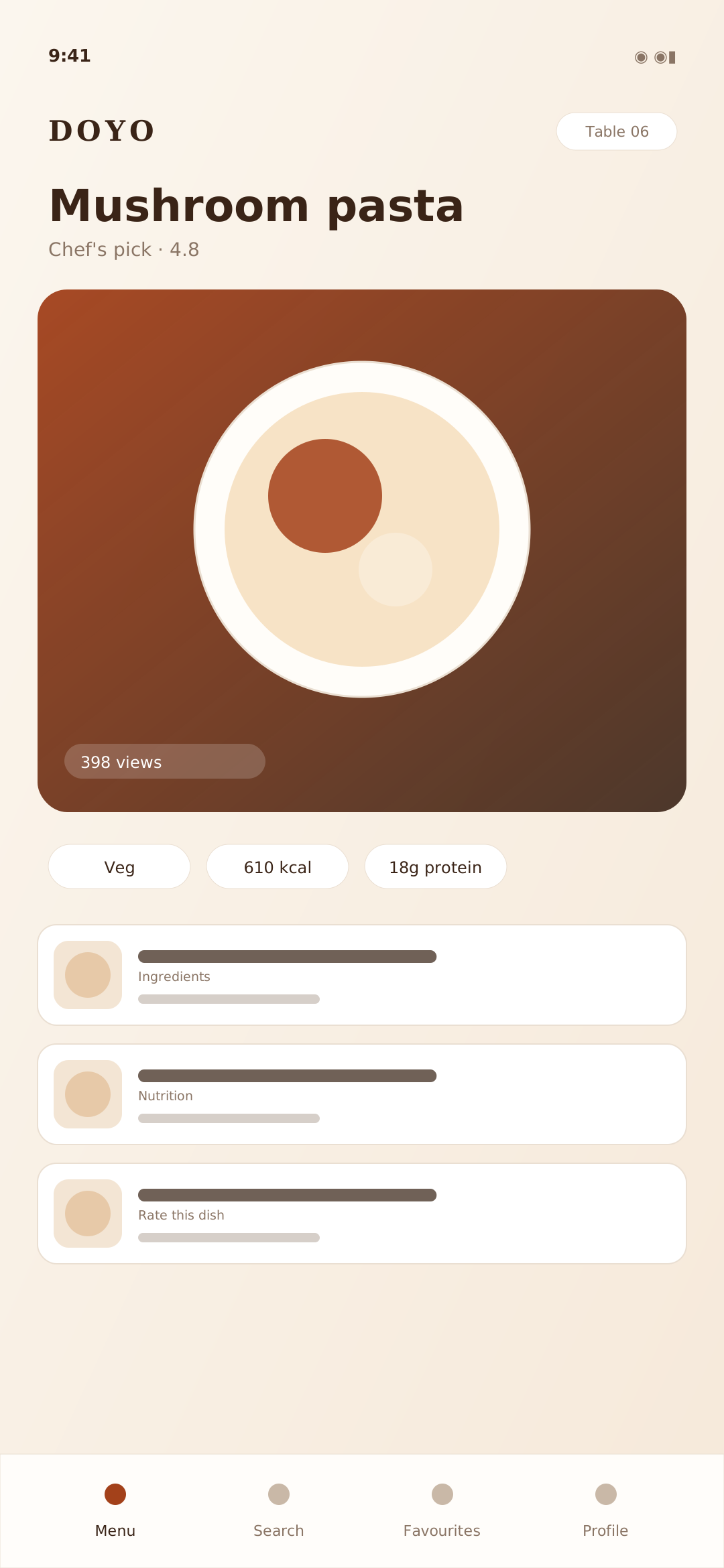
Photos and short dish videos
Guests see and hear the dish before they choose it.
Dish detail · photo and 6-second loopThe menu guests actually explore
Photos, short dish videos, a 3D view and AR that places the dish on your table. All from the QR that is already on the table.
Animated preview of the guest menu: dish cards, the veg filter and a short dish video.
3D viewVeg onlyUnder ₹300View on your tableThe experience
A menu that shows the food, not just its name. Every mode is part of the guest menu; no extra app, no extra hardware.
Guests see and hear the dish before they choose it.
Dish detail · photo and 6-second loop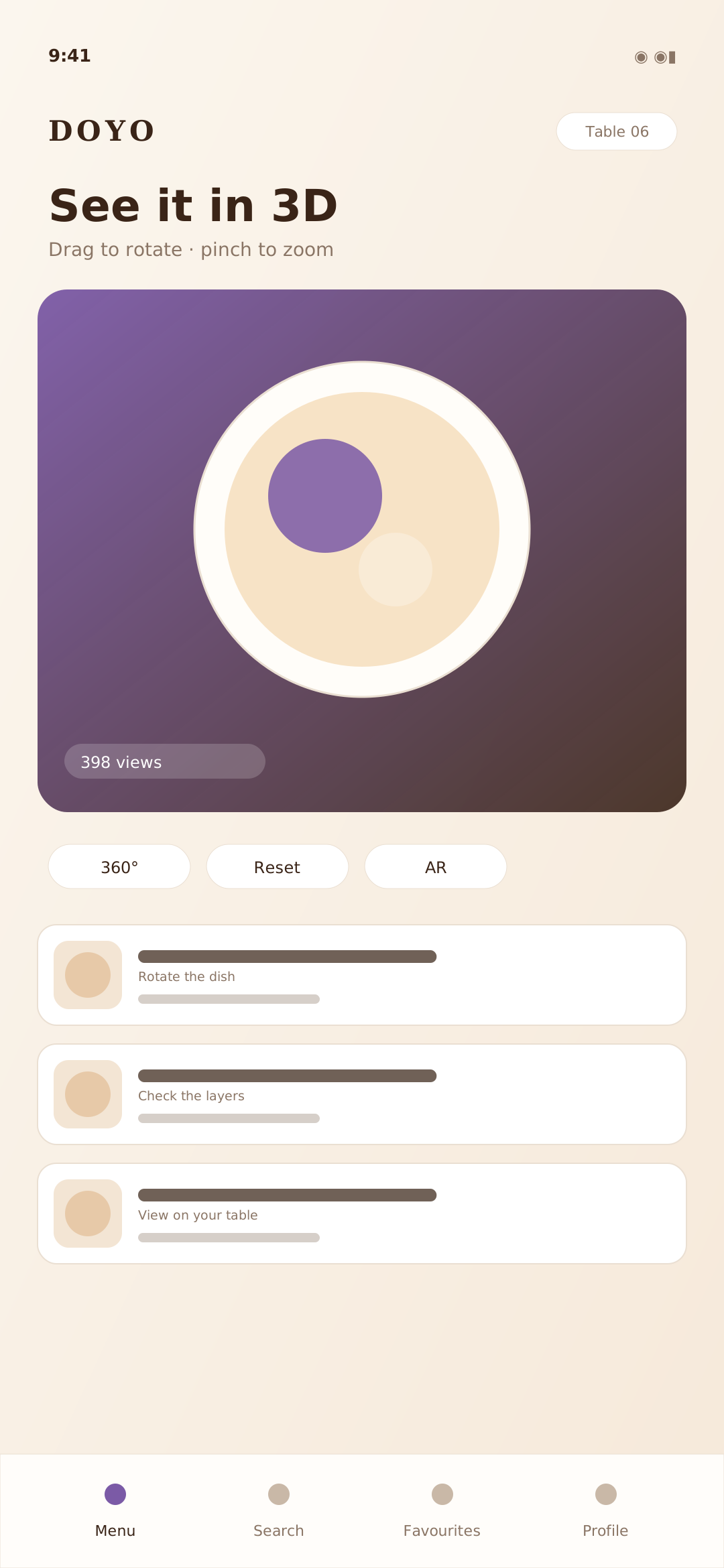
Rotate the dish, check the layers, decide with confidence.
Guest menu · interactive 3D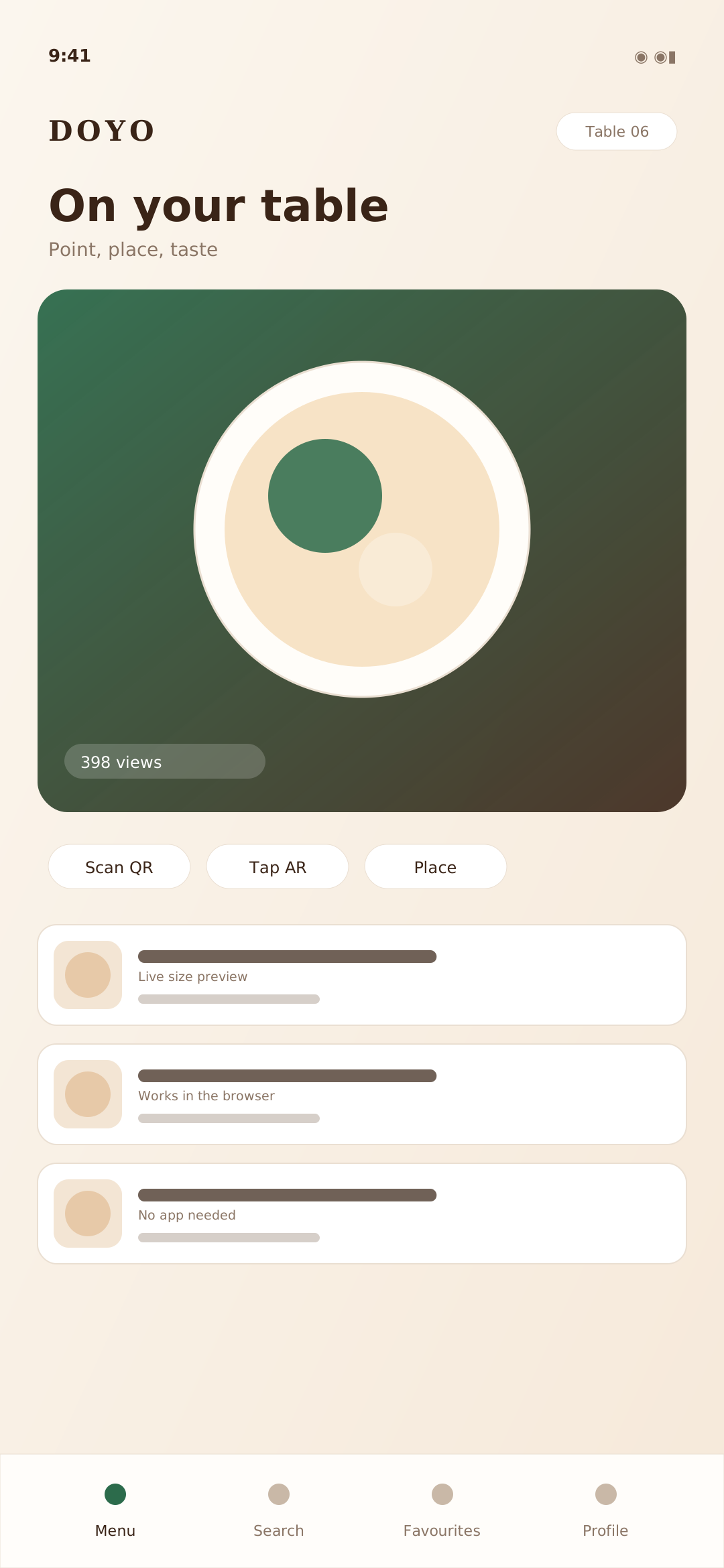
Place the dish on the table, at the size it arrives.
Guest menu · AR preview
Smooth reveals, live filters and no page reloads.
Guest menu · browse and filterTry it now
Drag to rotate, scroll or pinch to zoom. This is the same viewer guests get in the menu.
Smart guest tools
Small tools that remove the small decisions a guest should not have to make alone.
One tap shows only the dishes that suit the table.
Browse the way you think, then narrow by what matters.
Ask in plain words — “something warm under ₹300” — and get dishes, not results.
Search allergens and swaps: no onion, no garlic, gluten free.
A shortlist that learns from what the table already liked.
Filter by protein, calories and goals, with a gentle coach alongside.
Set an amount and see a complete meal that fits it.
Put two dishes side by side on protein, calories and price.
Combos and offers surfaced at the moment of choosing.
Save a dish now, find it again on the next visit.
Rate the dish, not just the café — honest averages, moderated.
See what other guests love, ordered by real ratings.
Opening hours, Wi-Fi details and amenities in one place.
A direct, polite nudge at the right moment.
All of these are part of the guest menu today. Orders, POS and Café Passport are still coming — see below.
A little playground
Real interactions, dummy dishes. The menu does the same thing with your menu.
Live demo
Two links into the same demo café. No slides, no sales call — just the menu your guests would see and the console you would run.
Open the QR menu the way a guest sees it: photos, short videos, 3D, AR and the smart filters.
Open guest demoOpen the console where you manage the menu, prices, photos and offers.
Open admin demoThe guest demo needs no sign-up. The admin demo uses the staff console.
In the wild
Placeholder screens — swap them for your own café's screenshots.
Hover or touch to pause
Short dish videos
Add a short, muted loop to any dish. It plays inline in the menu and never blocks the page.
 Video
Video Video
Video Video
Video Video
VideoFor café owners
No reprints. No app for guests. No new hardware on the floor.
Add a dish, a photo or a video from the admin console.
Change it once; every table sees the new price on the next scan.
Guests scan the QR and the menu opens in their browser.
Print once. The menu behind the code keeps changing.
How it works
Enter dishes or import them, then add photos.
One code per table, generated from your café.
The live menu opens. You update it whenever you like.
On the roadmap
These are not available today. We are keeping the list short and honest.
Guests order from the table and the round reaches the pass without a repeat.
A counter-side till that shares one menu and one bill with the floor.
Loyalty stamps and rewards that follow a guest between visits.
Leave an email and we will write once, when the next module is ready. No newsletter.
A placeholder, on purpose
We have not invented customers, ratings or testimonials. When you launch with us, this block becomes your logo — nothing else.
FAQ
Still unsure? Send a note and we will answer against your menu, not a brochure.
Ask us directlyNo. A guest scans the QR at the table and the menu opens in the browser. There is no download and no forced login.
The 3D view works in modern browsers on most phones and computers. AR is more limited: it needs a compatible phone and a modern browser — ARKit Quick Look on a supported iPhone and WebXR or Scene Viewer on supported Android devices. When AR is unavailable, the guest keeps the 3D view and the dish photo.
Yes. Add a short, muted loop (3–8 seconds, MP4 or WebM under 3 MB) to any dish from the admin console. Guests see a poster first; the video only loads near the viewport.
The order system, a POS and Café Passport are in progress. They are marked “Coming soon” everywhere and are not part of the product you can use today.
No. Guests use the phone already at the table, and the admin console runs from a phone, tablet or laptop.
You create combos and offers in the admin console. They appear in the guest menu next to the dishes they belong to.
Yes. Staff sessions and database policies are café-scoped, so a captain or admin only sees the café they are authorised for.
Get your menu
Share a few details and we will reply with a demo menu built from your dishes — no long questionnaire.
Start with the menu you already have. We will bring it to life.
hello@scaneat.in